Boxy pouch pattern calculator
Turn finished pouch measurements into cut dimensions, boxed-corner marks, and a small sewing plan.
Open boxy pouch calculatorA maker's field guide
SeamGrid helps you draft pouches, skirts, and quilt plans without guesswork. Start with the boxy pouch calculator, or choose the tool that matches your project.
Choose a tool
Two pattern tools and two quilt-planning tools, arranged the way a working table would be: start with the thing you are making, then move to the next question.
Pattern drafting
These tools turn finished sizes into cut dimensions and radii for the two most common measurement-to-pattern jobs.
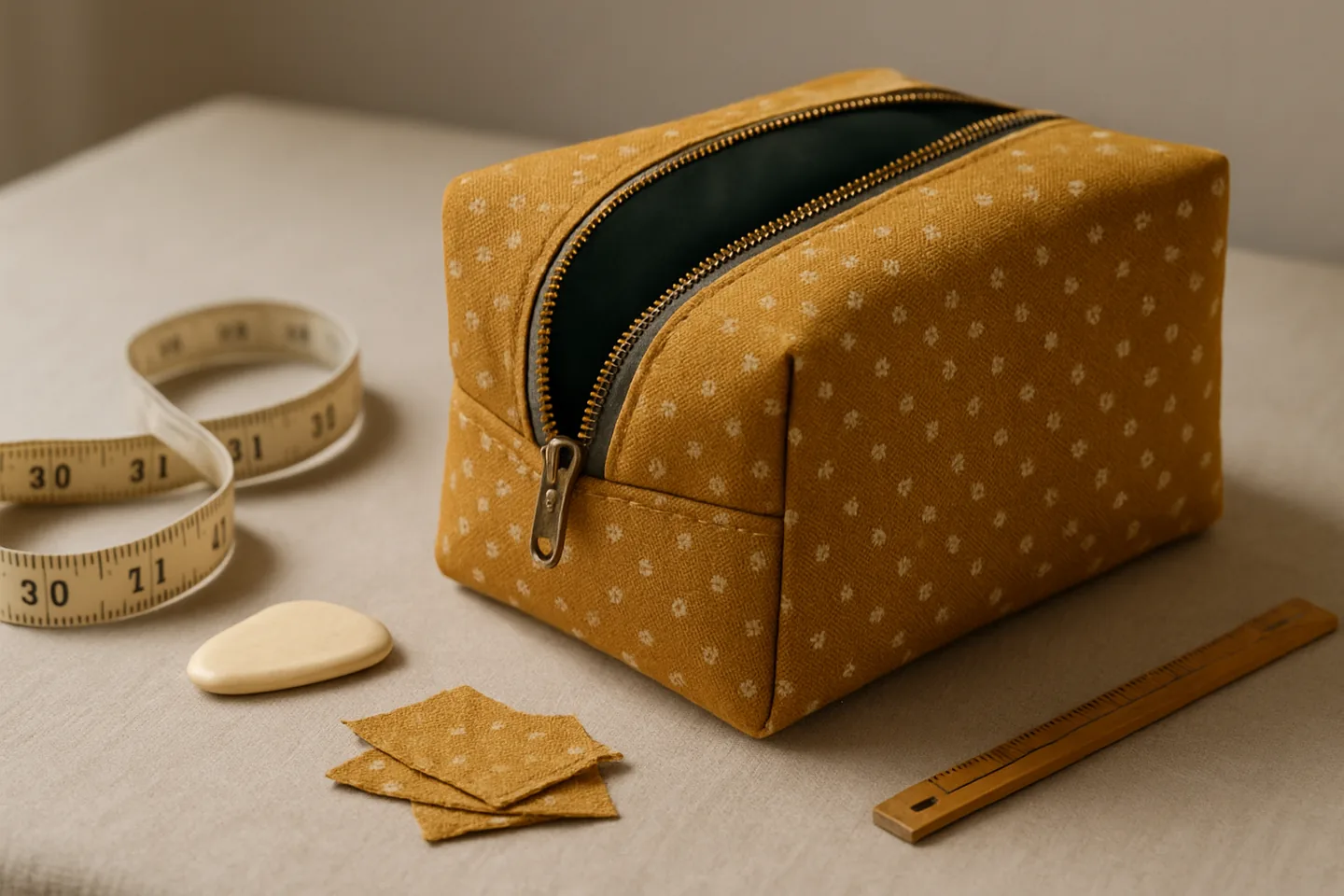
Turn finished pouch measurements into cut dimensions, boxed-corner marks, and a small sewing plan.
Open boxy pouch calculatorEnter waist, ease, skirt length, and allowances to see the stitch and cut radii for a full, half, or quarter circle skirt.
Open circle-skirt calculatorQuilt planning
These tools compare fabric layouts and strip plans so you can cut with a little more certainty before you buy or cut cloth.
Compare equal-panel lengthwise and crosswise layouts and see which uses the shorter unrounded fabric length.
Open quilt backing calculatorPlan straight-grain width-of-fabric strips with diagonal joins and see exact unrounded arithmetic.
Open quilt binding calculatorHow it works
A small workflow keeps the page useful on mobile: choose the tool, enter the measurements you already know, and read the plan before you cut.
Choose the calculator that matches the project you are holding.
Enter finished measurements, seam allowance, and units.
Read the cut plan, diagram, and limitations before you cut fabric.
Trust
Your measurements stay in the browser, the formulas stay visible, and the results are framed as planning help rather than a promise of physical validation.